Skip to content
Valiantis logo

Your website should make your business easier to choose.

Valiantis designs and builds clear, professional websites that connect your services, customer journey, and next step into one complete experience.

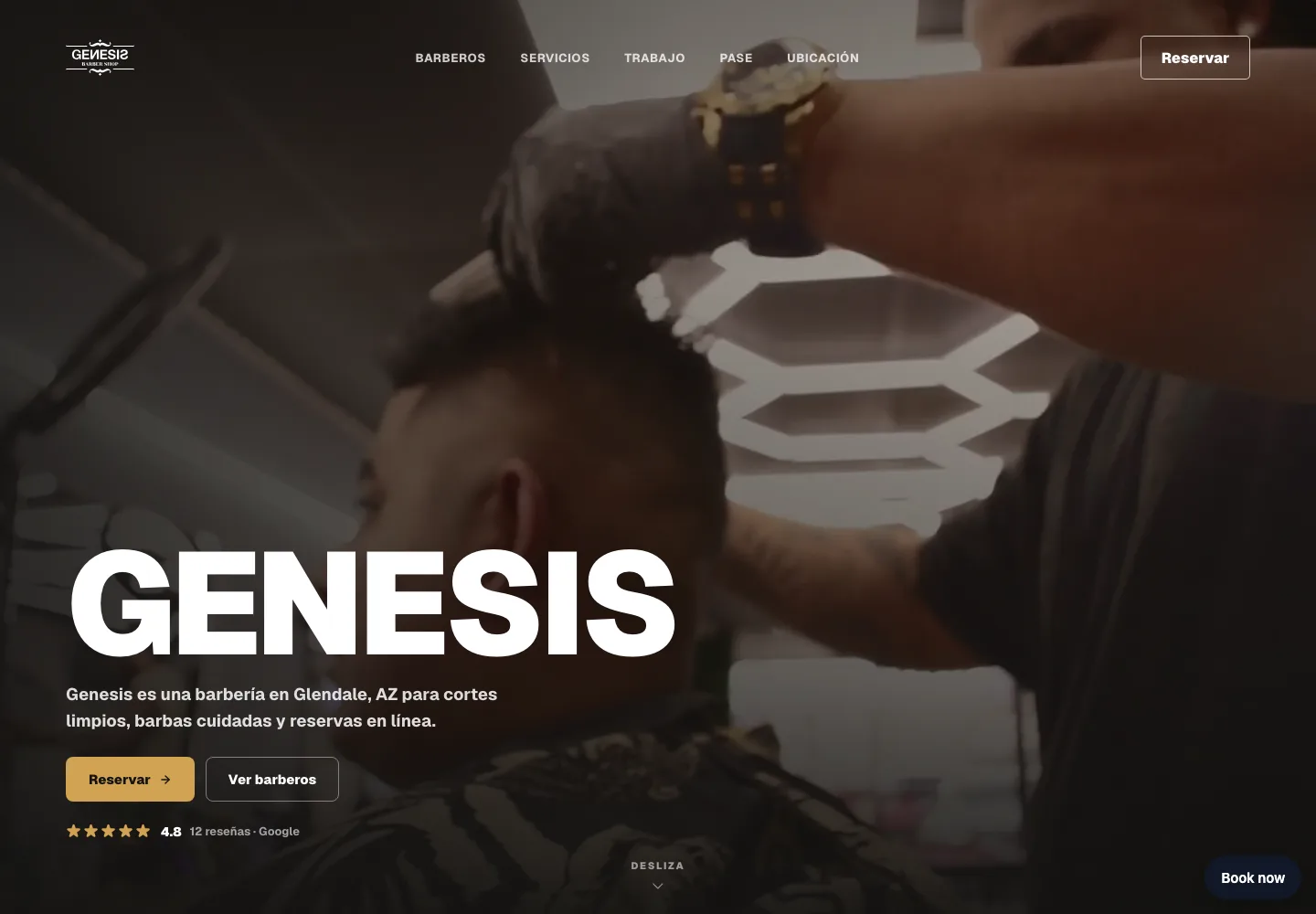
Genesis Barbershop desktop and mobile website screenshot
Genesis Barbershopgenesisbarbershop.com
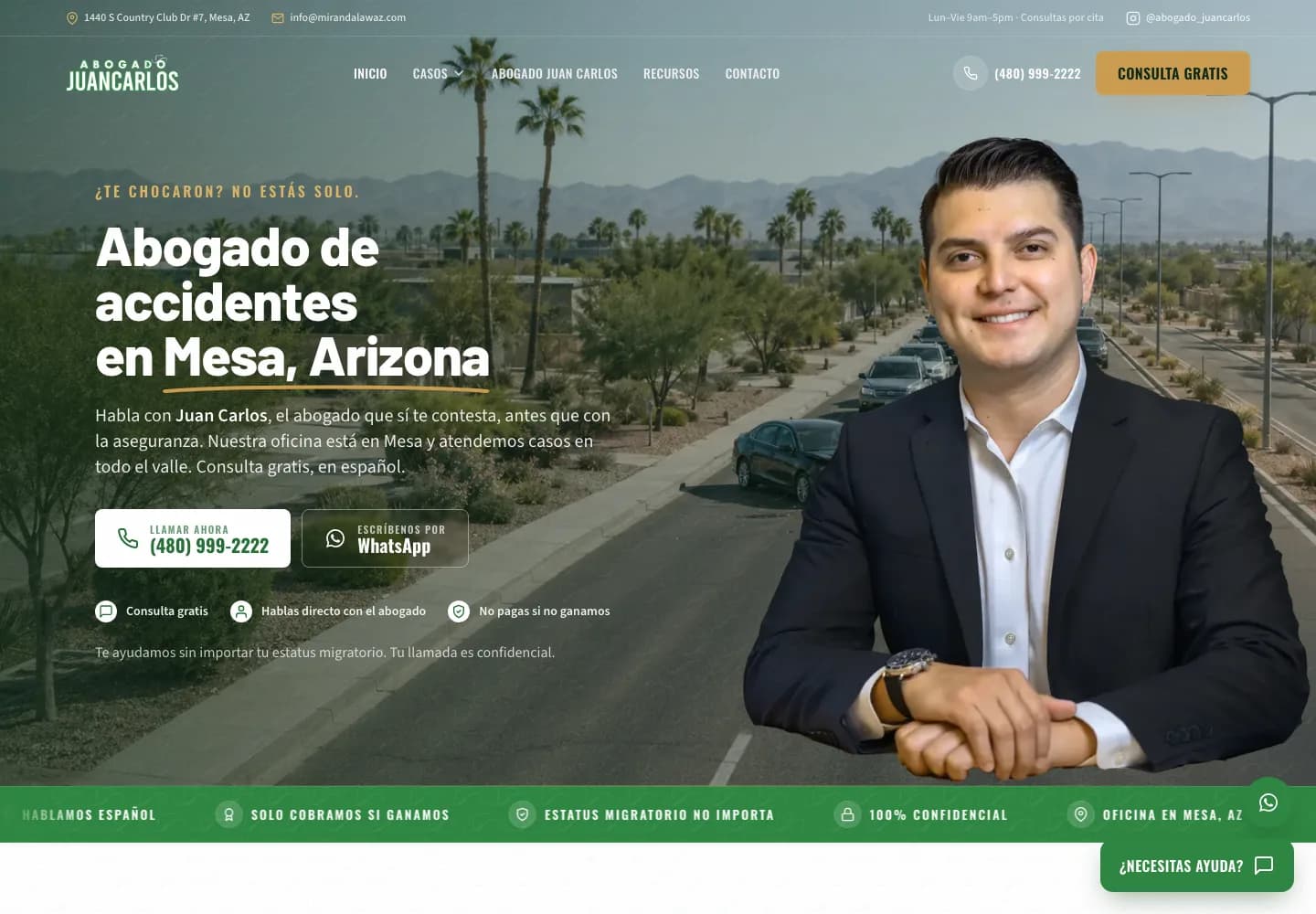
Abogado Juan Carlos desktop and mobile website screenshot
Abogado Juan Carlosabogadojuancarlos.com
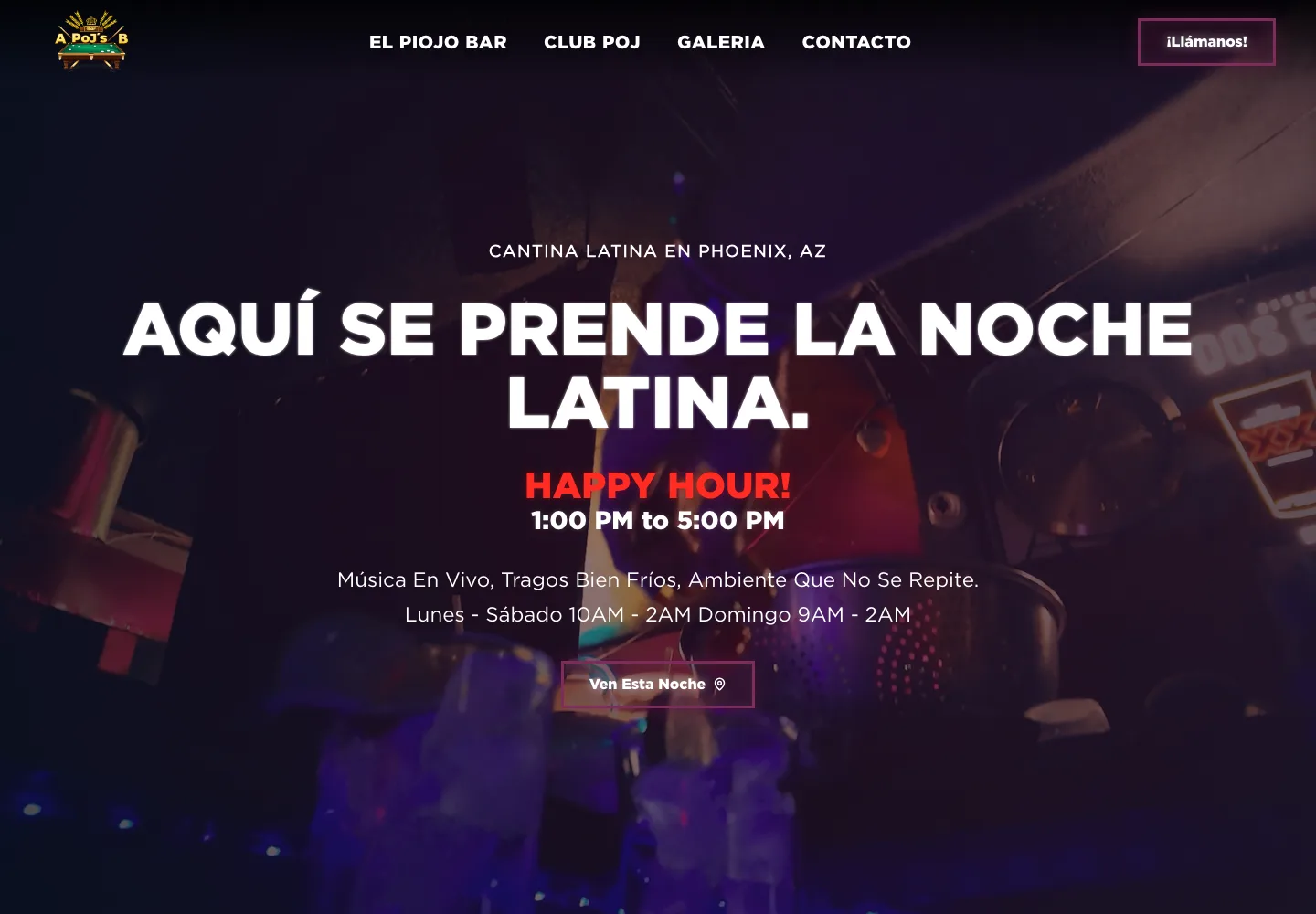
El Piojo Bar desktop and mobile website screenshot
El Piojo Barelpiojobar.com

A website can look finished and still make the customer work too hard.

Most sites are not broken. They are just unclear. Someone lands on the page ready to spend money, and the site quietly asks them to figure things out on their own.

  • What the business actually does takes more than a moment to understand.
  • Services are hard to compare, so the visitor cannot tell what fits them.
  • Nothing on the page proves the work is real or the business is established.
  • Booking, calling, or requesting a quote is buried below the fold or three clicks deep.

A website should behave like part of the business — the same way a good front desk does — not like a digital flyer parked at a domain.

Websites built around how the business actually works.

Three things carry most of the result. Everything else supports them.

01

Clear customer journeys

The page order, wording, and hierarchy follow how a customer actually decides: what you do, whether it fits, whether you are credible, and what happens next. Services get described in the words customers use, not internal category names.
02

Connected booking and lead paths

The next step is designed as part of the page, not bolted on. Booking, quote requests, intake forms, and calls are placed where the decision happens and connected to the tools the business already runs on.

03

A responsive, bilingual-capable foundation

The site is built to hold up on a phone in a parking lot as well as a desktop, and the content structure can carry English, Spanish, or both when the audience needs it.

Handled as part of the build

  • Responsive implementation
  • Accessibility fundamentals
  • Performance considerations
  • Search-friendly structure
  • Contact and intake forms
  • Booking integrations
  • Analytics readiness
  • Content organization

Different businesses should not look like the same template.

A barbershop, a law office, and a taco shop do not sell the same way — so they should not be handed the same layout with a new logo dropped in. These are live sites, each shaped around its own services and next step.

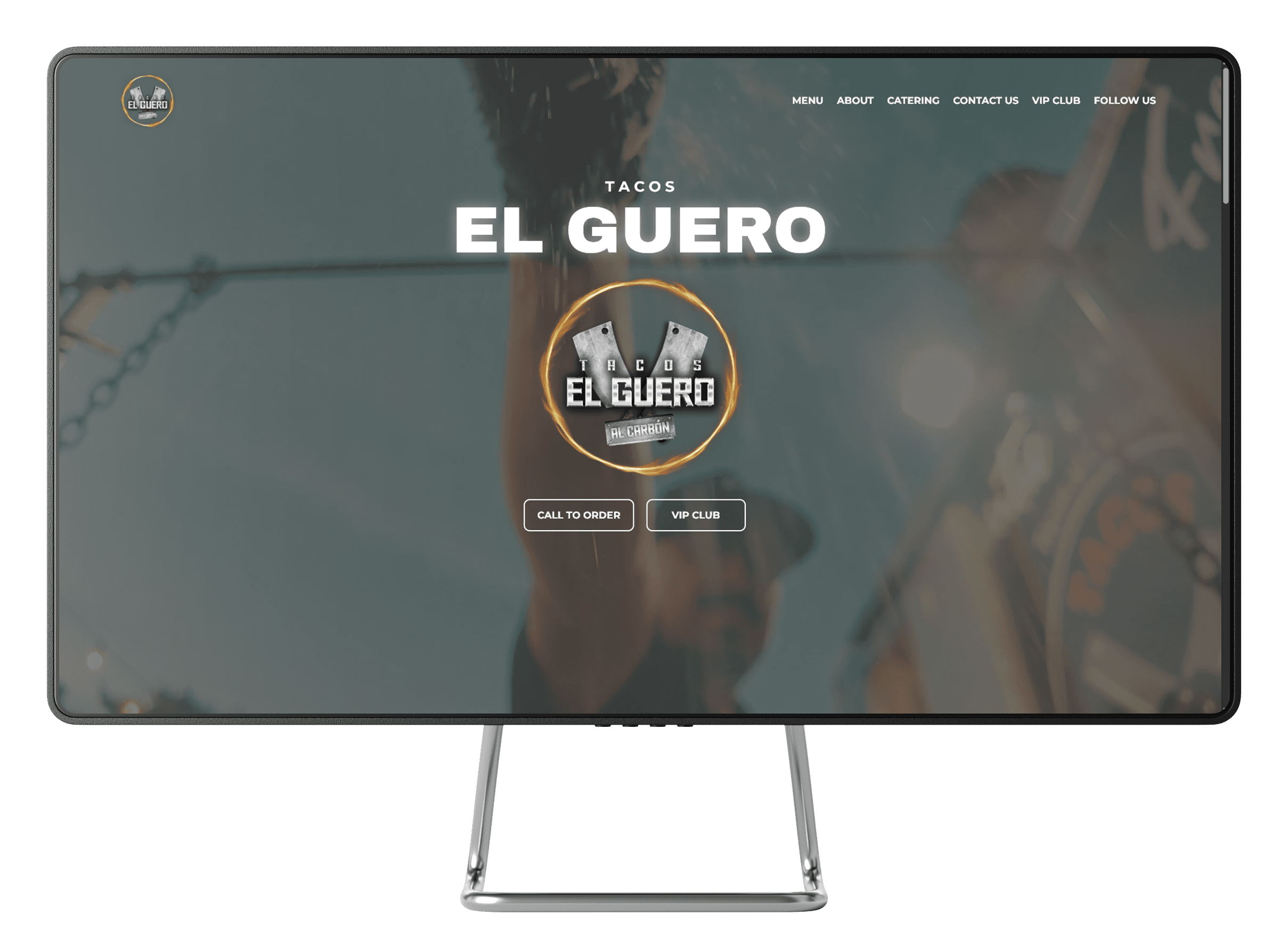
Tacos El Guero desktop and mobile website mockup

Tacos El Guero

Restaurant

A website for Tacos El Guero, an Arizona taco restaurant, presenting the menu, catering, and a VIP club path for regular customers.

Visit tacoselgueroaz.com
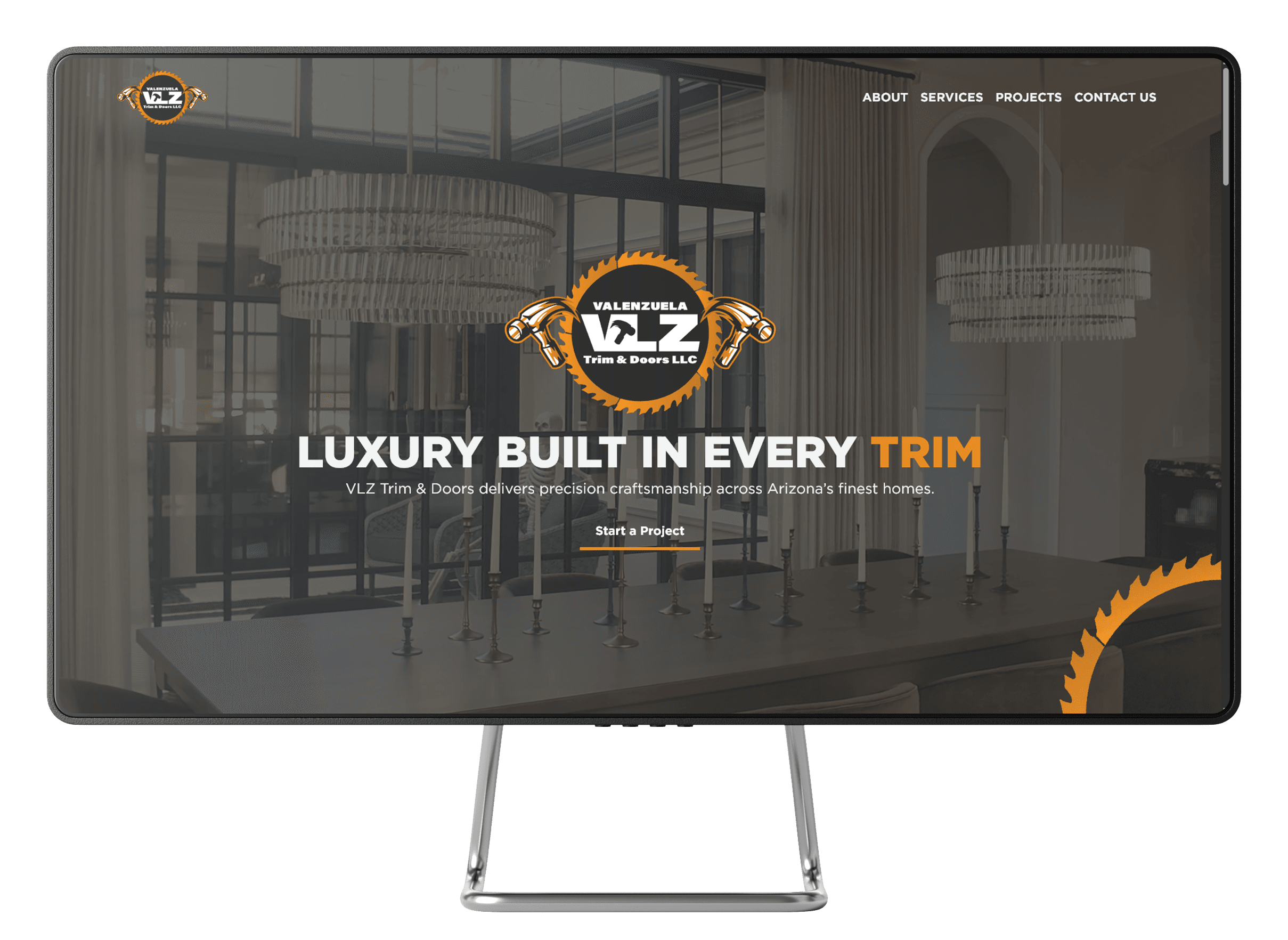
VLZ Trim and Doors desktop and mobile website mockup

VLZ Trim & Doors

Home services - interior trim & doors

A website for Valenzuela VLZ Trim & Doors, an Arizona interior trim and door installation company, built around project photography and a direct path to start a quote.

Visit vlztrimanddoors.com
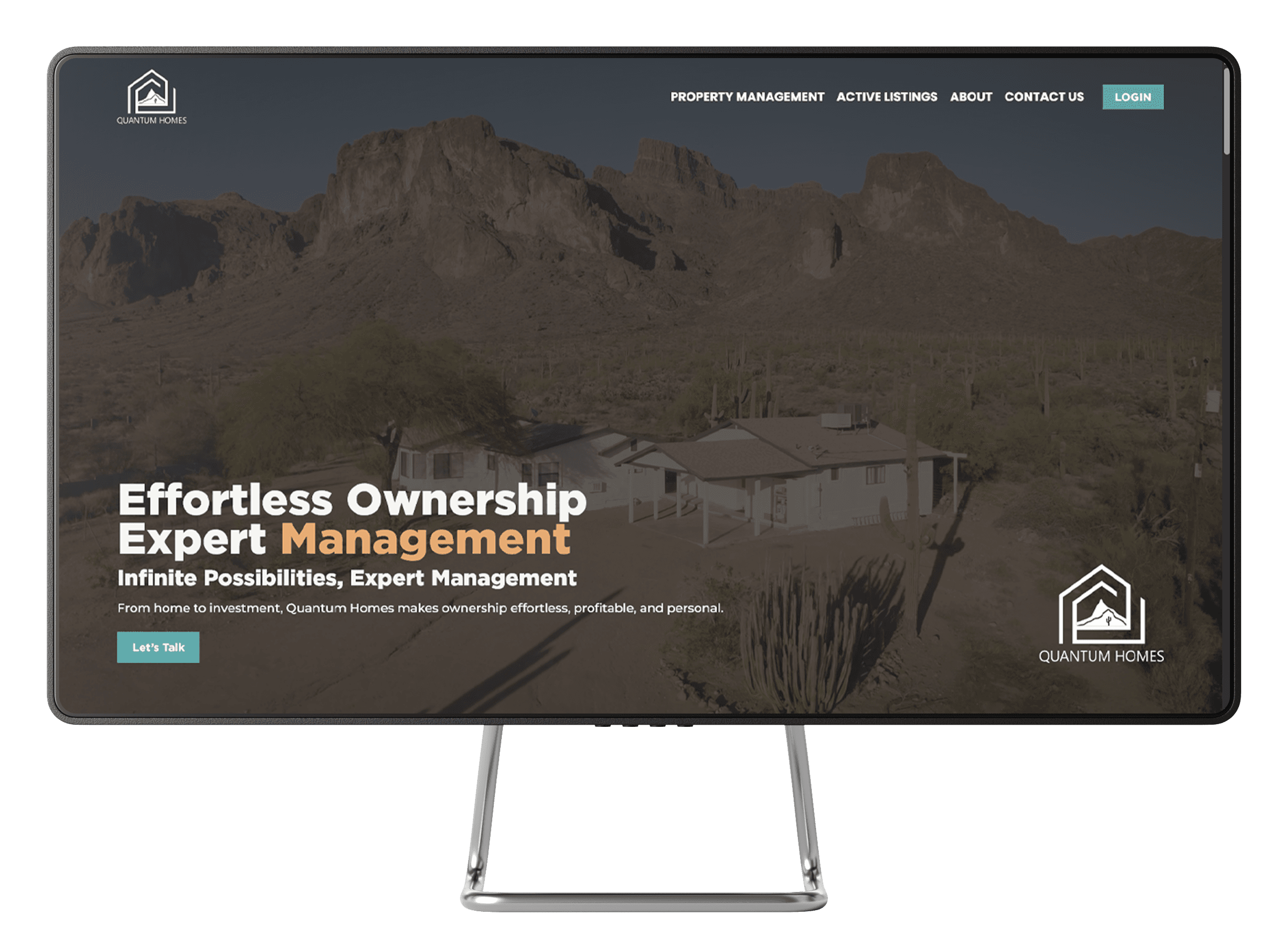
Quantum Homes desktop and mobile website mockup

Quantum Homes

Property management

A website for Quantum Homes, an Arizona property management company, presenting active listings and management services with a direct contact path.

Visit quantumhomesaz.com

How a website project runs.

  1. 01

    Understand the business

    We go through your services, your customers' most common questions, the tools you already use, and the single action the site should make easier.

    You bring:
    how the business really operates, and what you want more of.
    You end up with:
    a clear brief both sides agree on before any design starts.
  2. 02

    Shape the customer path

    Before visual detail, we settle the page structure, what each section has to prove, and where the booking, quote, or call belongs.

    You bring:
    feedback on the structure, plus services, photos, and details.
    You end up with:
    an agreed page map and conversion path.
  3. 03

    Design and build the working site

    Design and development move together, so the layout, content, and next steps stay aligned instead of being reconciled at the end.

    You bring:
    review at the milestones that matter.
    You end up with:
    a live, responsive site connected to how you take work.

Questions worth asking first.

  • Usually, yes. If the system you already use is the right fit, the site can hand off to it cleanly. If it is creating friction, we can scope a more connected setup — but replacing a working tool is a decision, not a default.

Build a website that works like part of the business.

Tell us what your business does and what you want more of. We will tell you what the site needs to do.